Features
Drag the sliders: first the original text is erased, then the translation is set in.
From page to translated page
- 1 Import
Images, a folder, several images, ZIP / CBZ, EPUB or PDF.
Editable: Pick files again, or add more.
- 2 Detect
A YOLO model finds the speech bubbles on the phone. Long webtoon strips are split into tiles.
Editable: Add, move or delete boxes.
- 3 OCR
ML Kit reads Japanese, Korean, Chinese and Latin text, including free text outside bubbles.
Editable: Fix the text of any bubble.
- 4 Translate
Only the text goes to the AI you pick, or stays on the phone with LiteRT.
Editable: Prompt styles, glossary, translation memory.
- 5 Clean
OpenCV erases the original strokes; Accurate mode uses LaMa on textured backgrounds.
Editable: Retouch brush, 1-tap inpaint per box.
- 6 Typeset
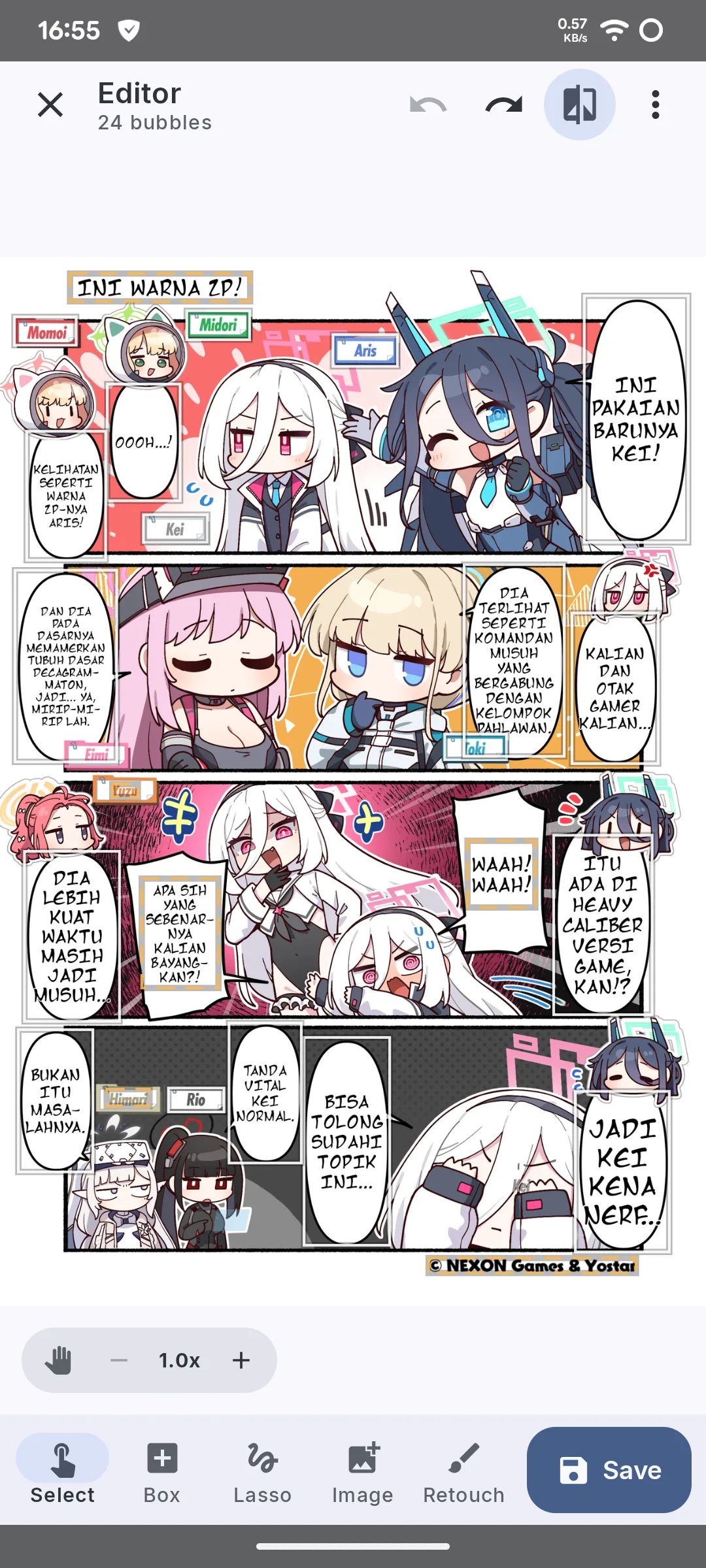
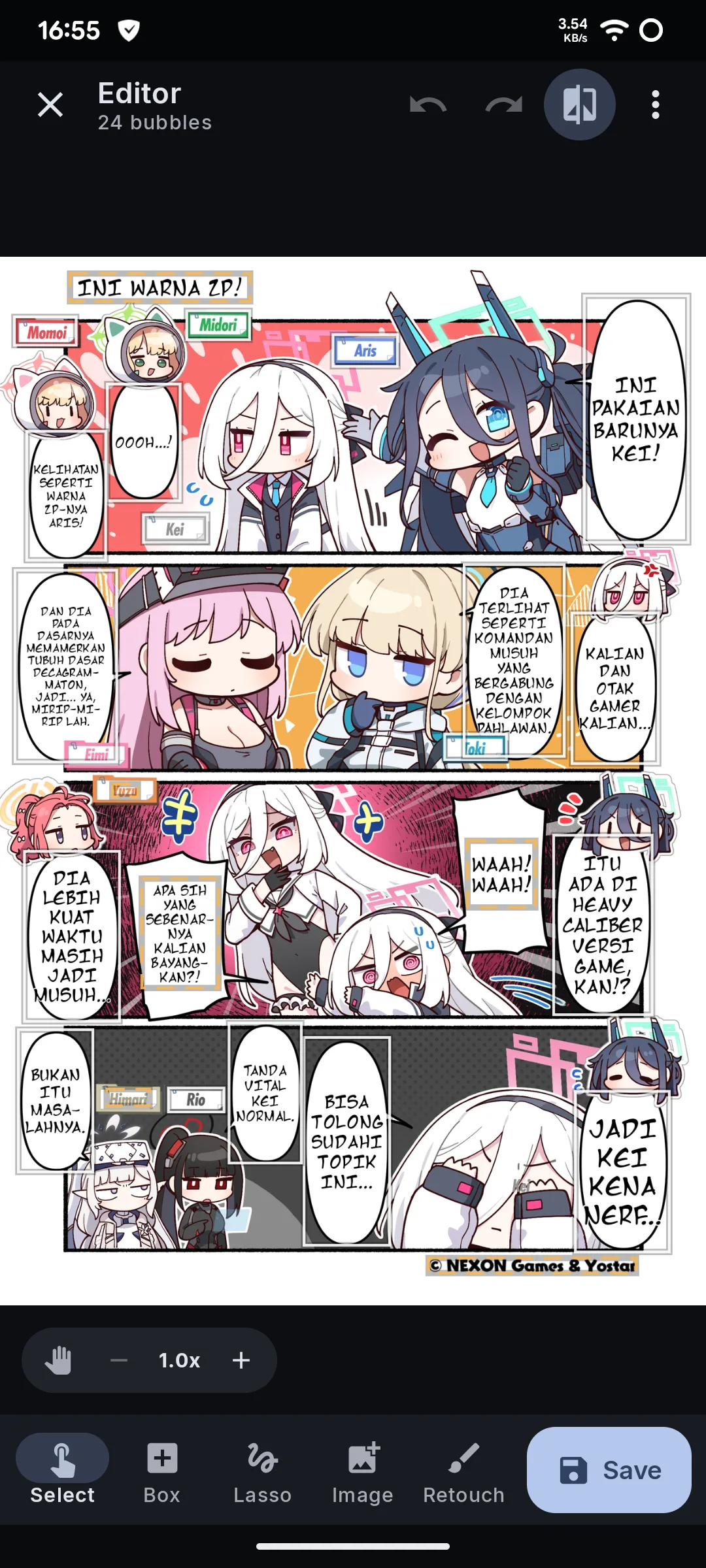
Text wrapped to the bubble's shape, centered, with hyphenation.
Editable: Font, size, colour, outline per bubble.
- 7 Save
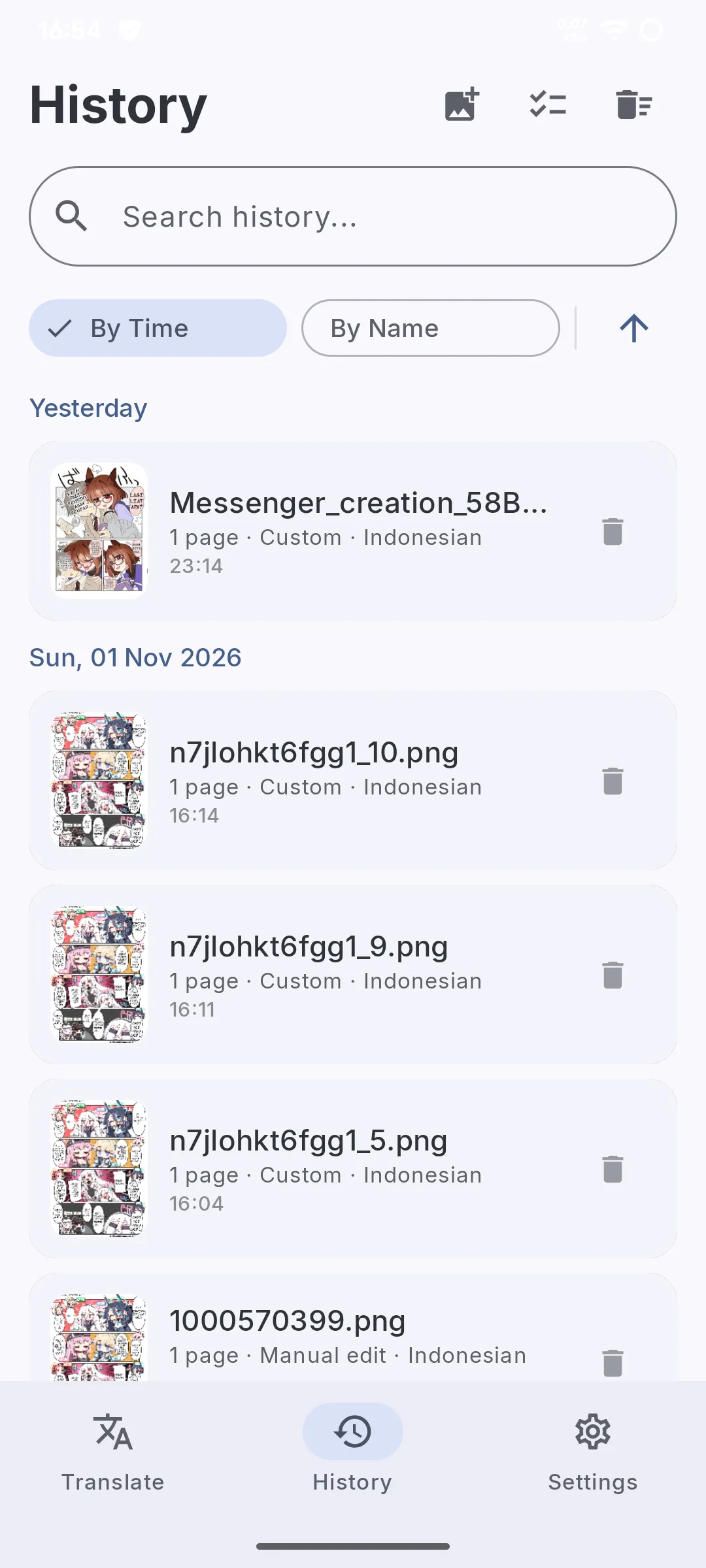
Saved to /Download/KZKT and History. PDF in gives PDF out.
Editable: Open it again from History.
Every step stays editable.
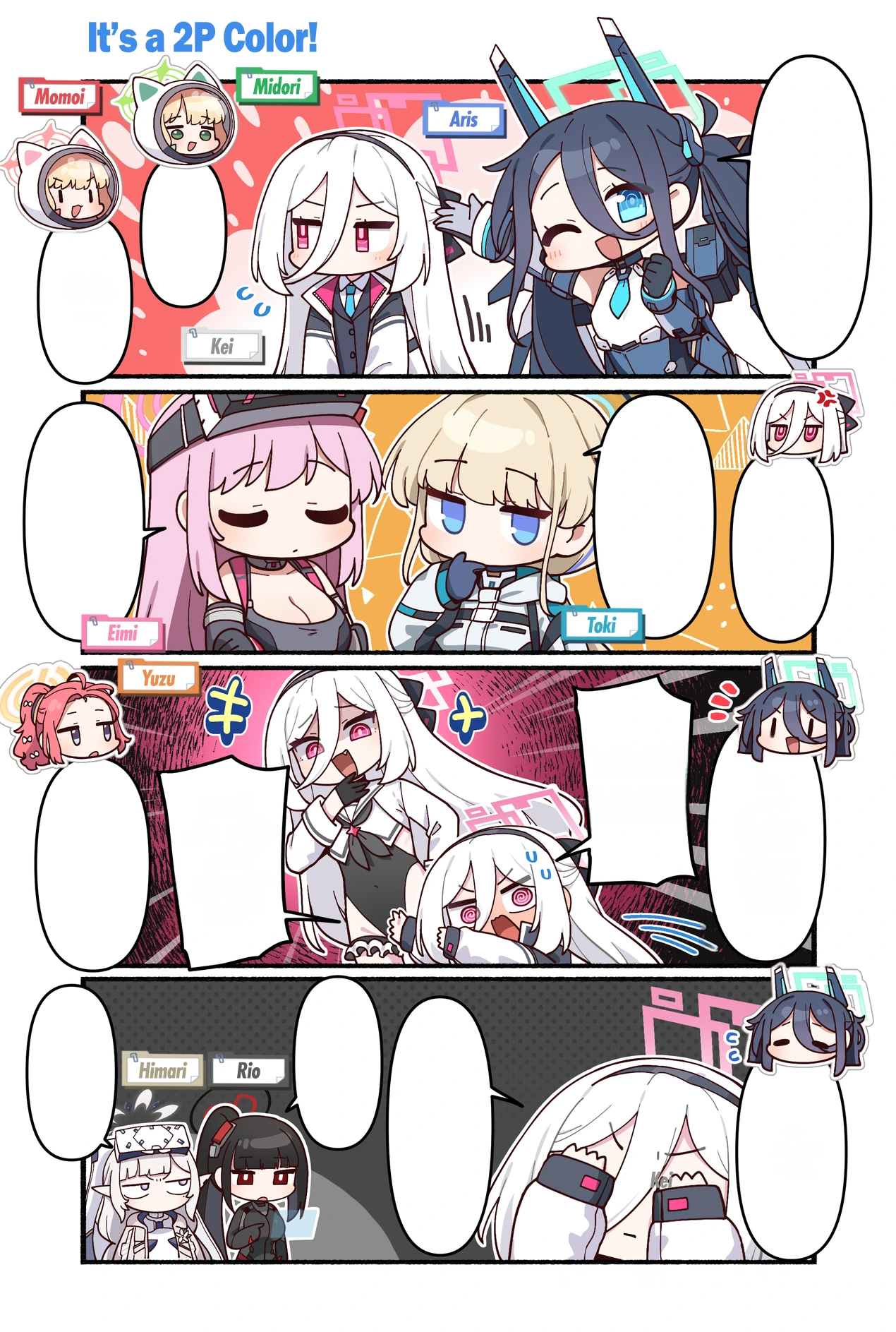
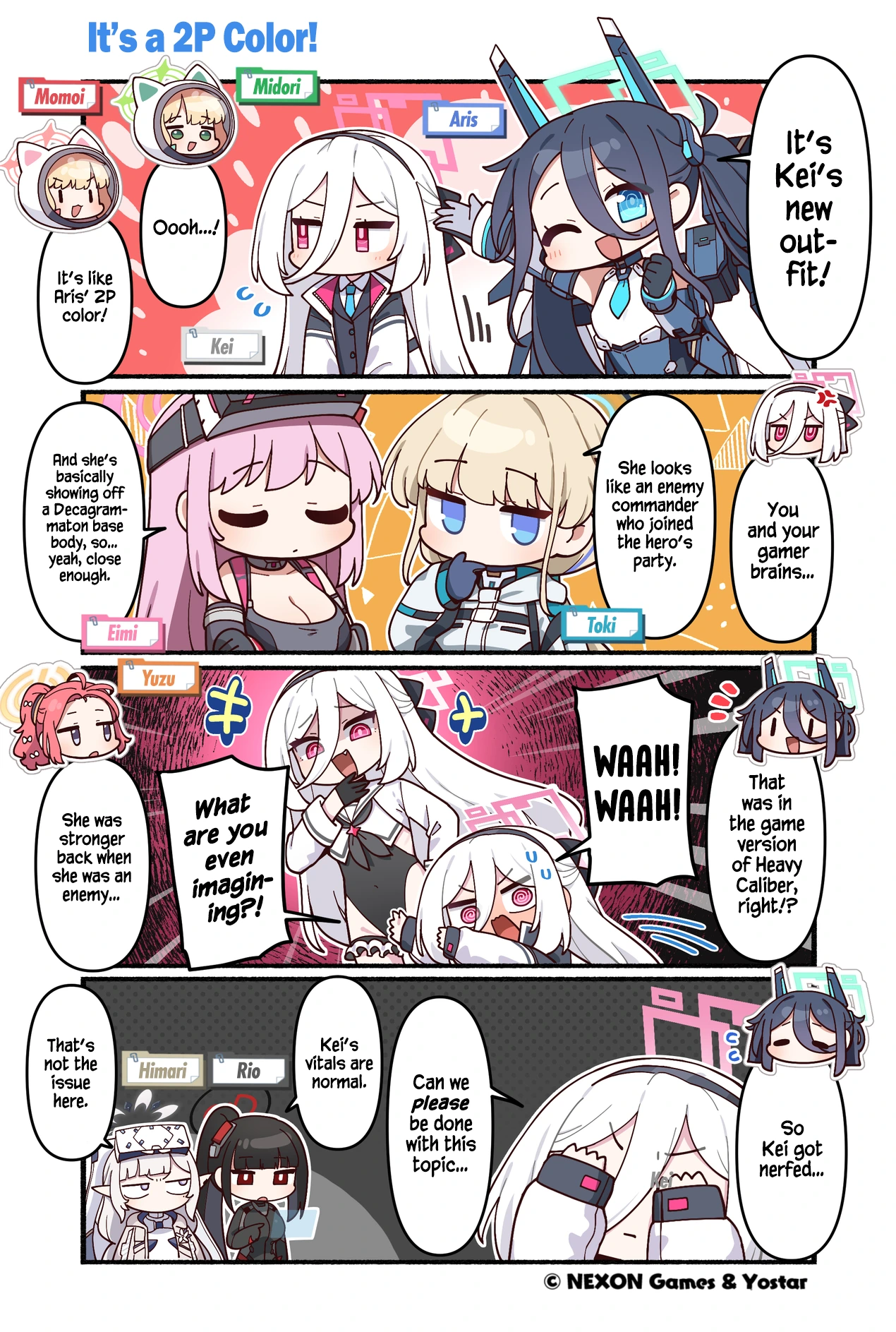
Before and after cleaning
The original lettering is erased on the phone with OpenCV, or LaMa in Accurate mode, so nothing of the old text shows through.
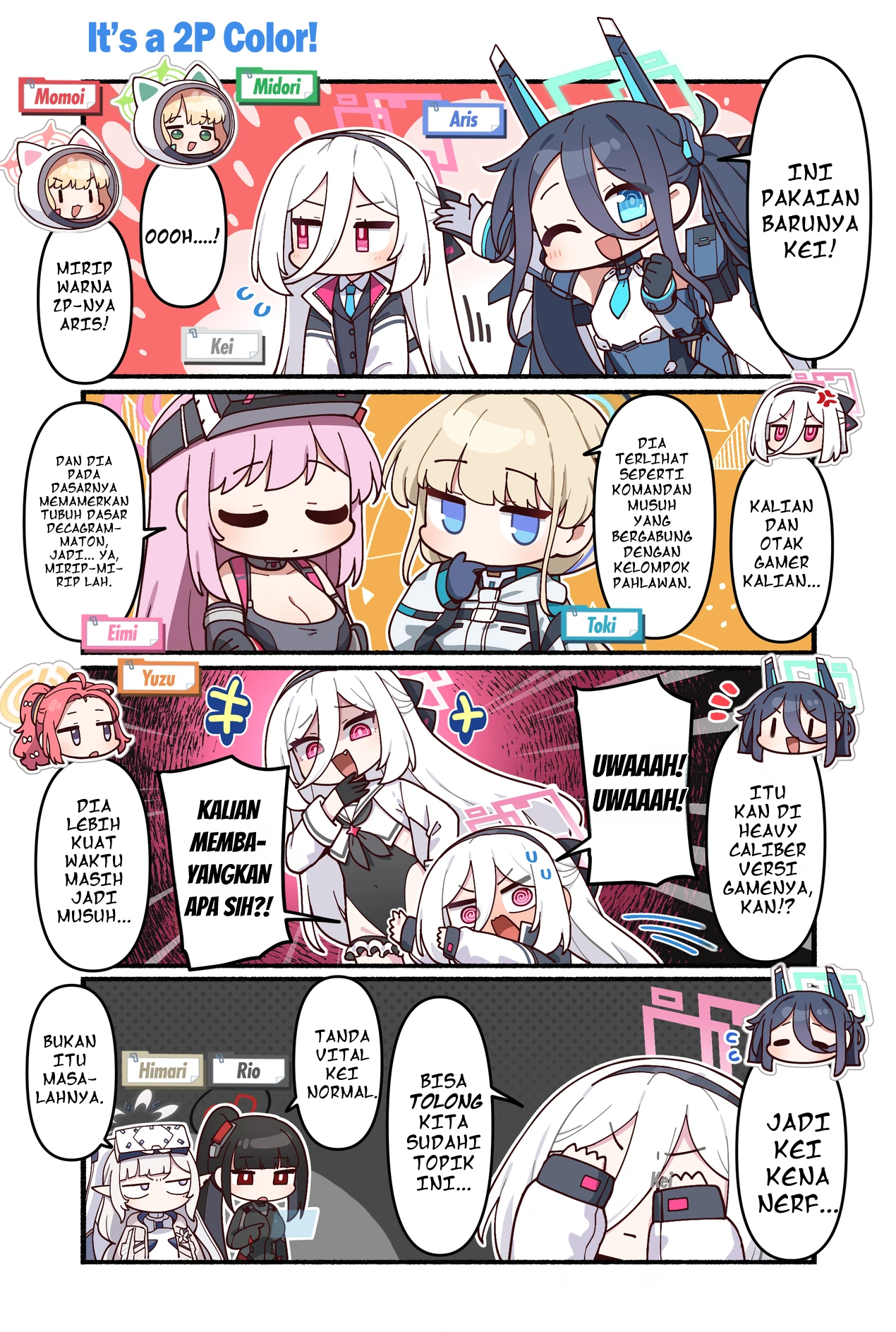
Before and after translating
The translation is set into each bubble, wrapped to its shape and centered, ready to read.
Screenshots
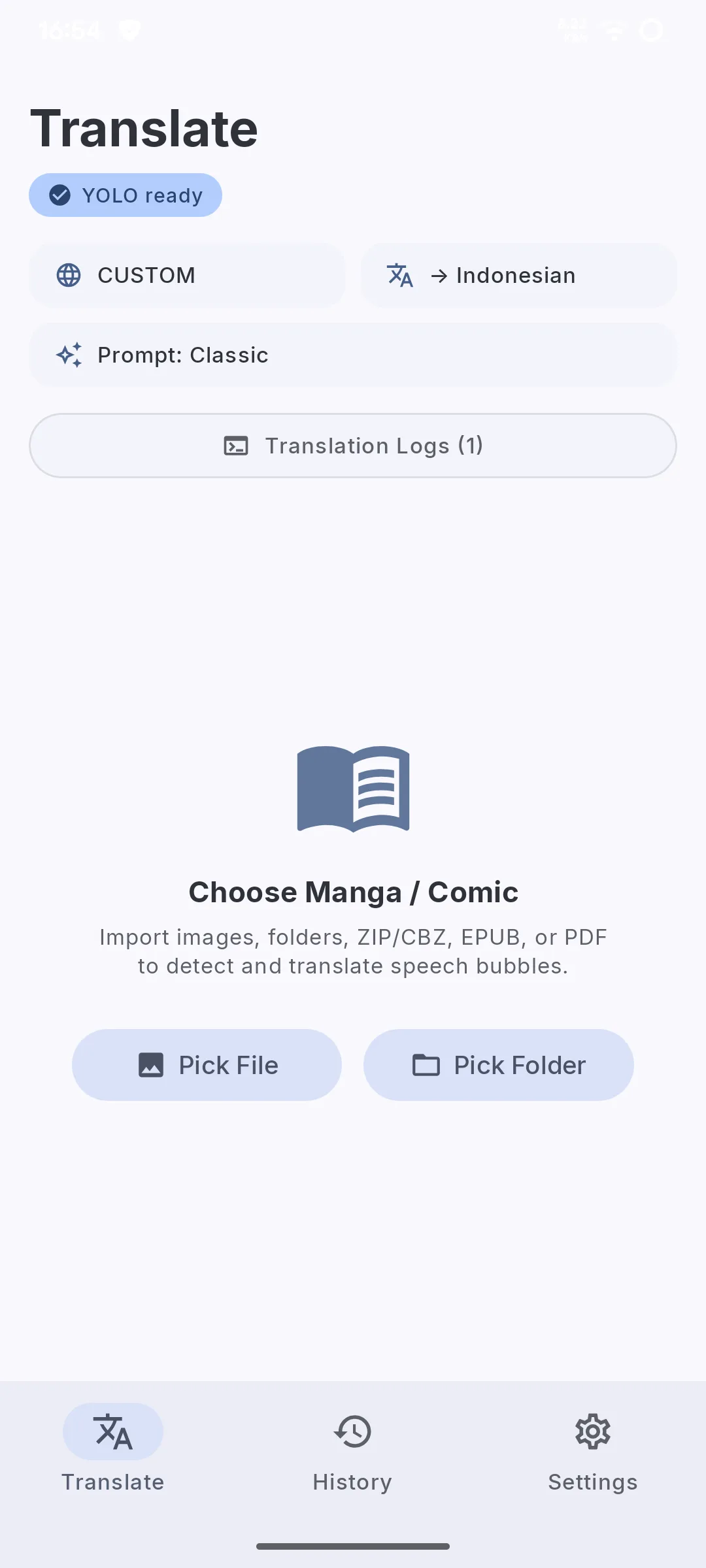
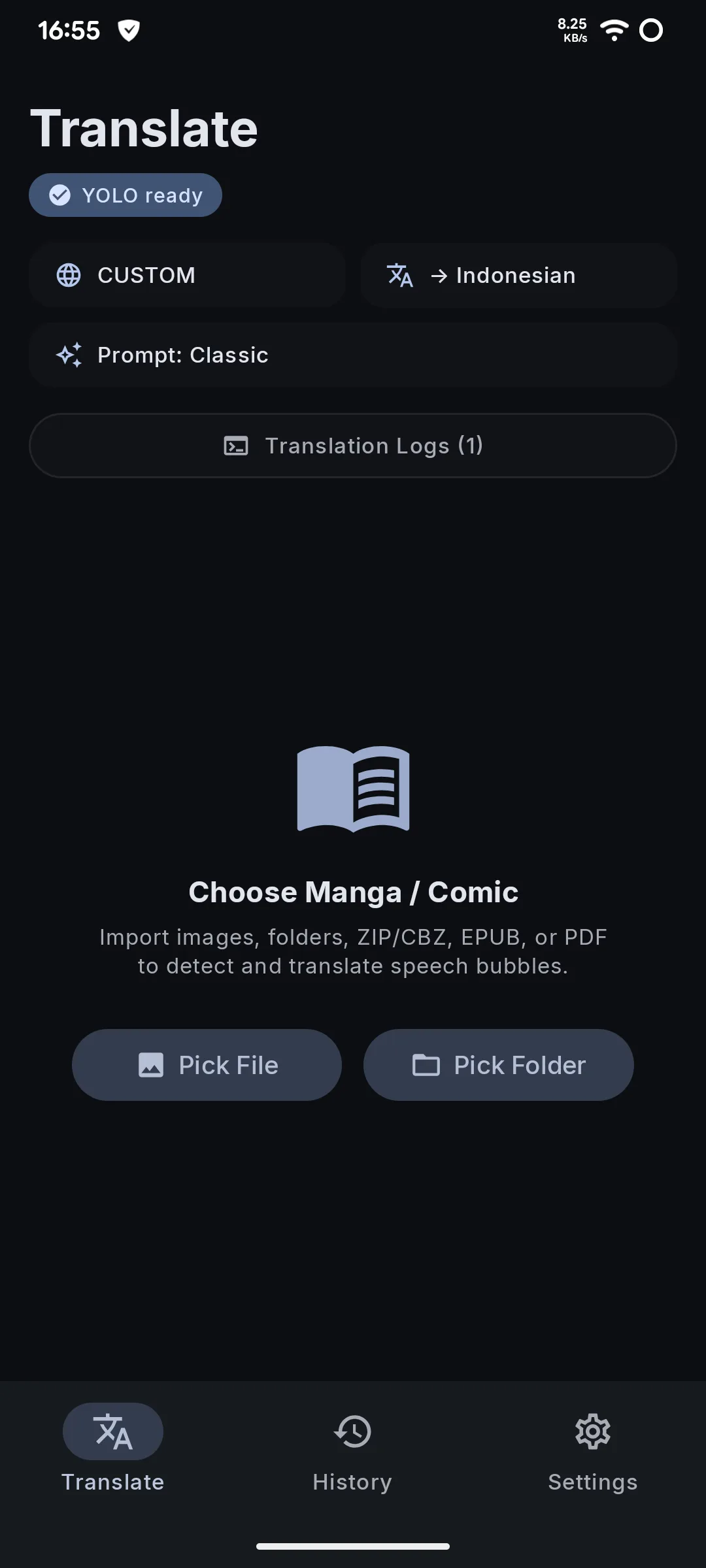
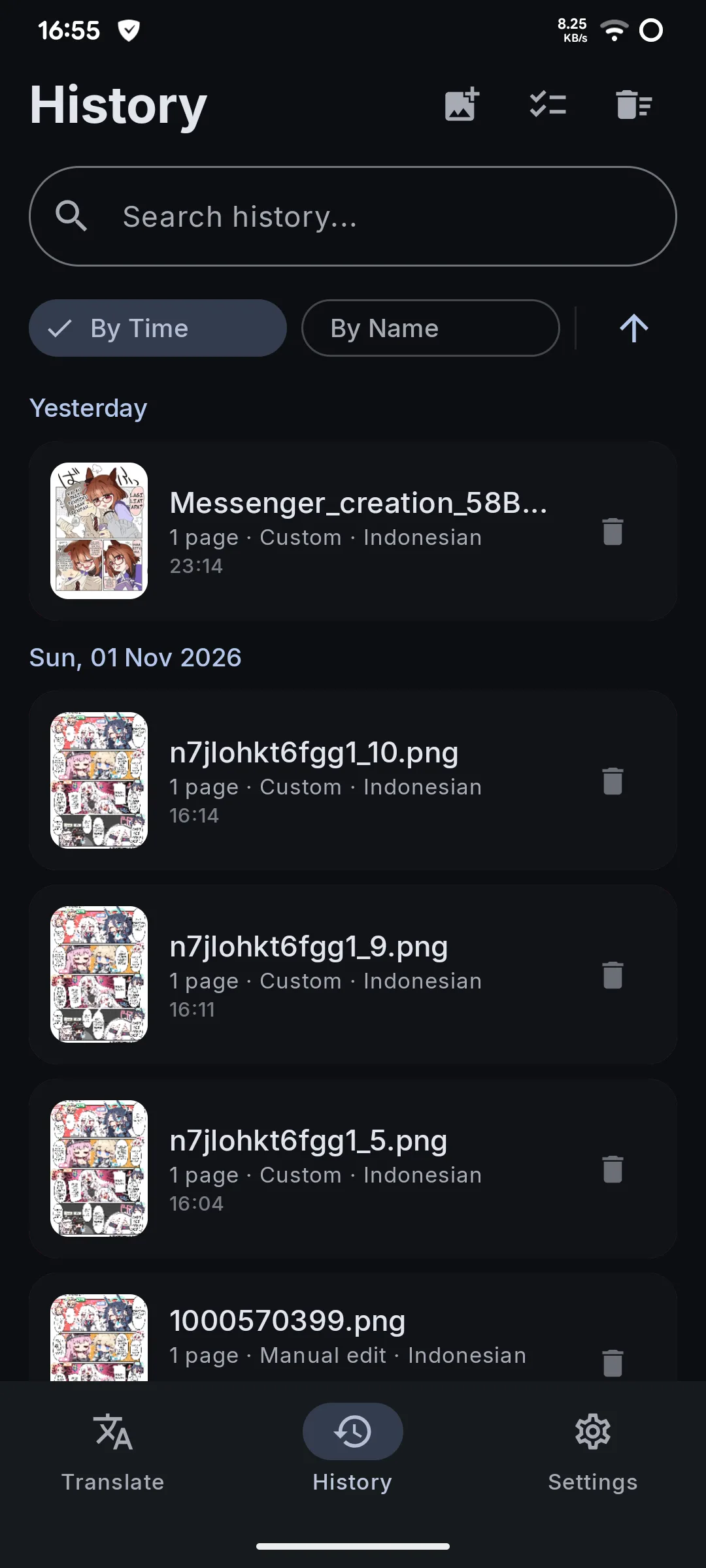
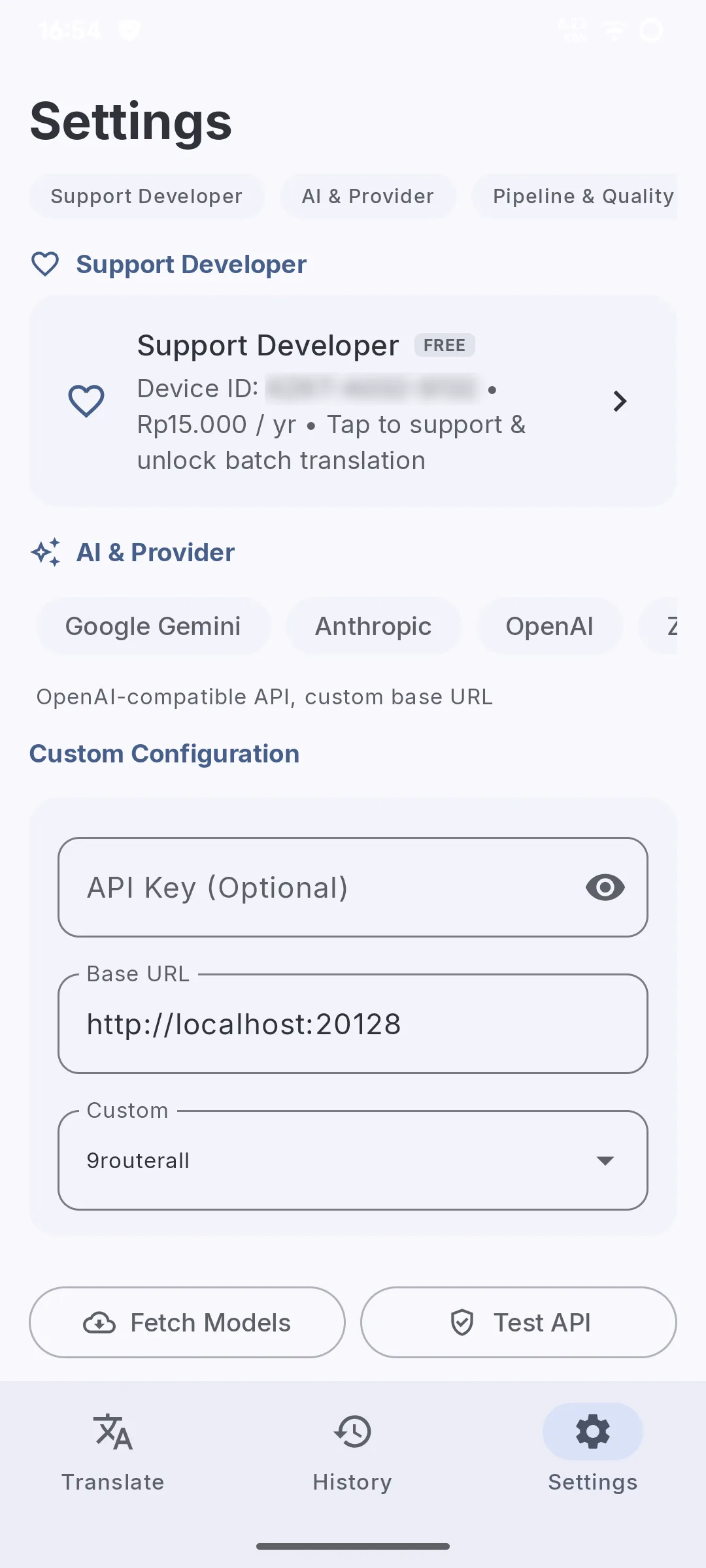
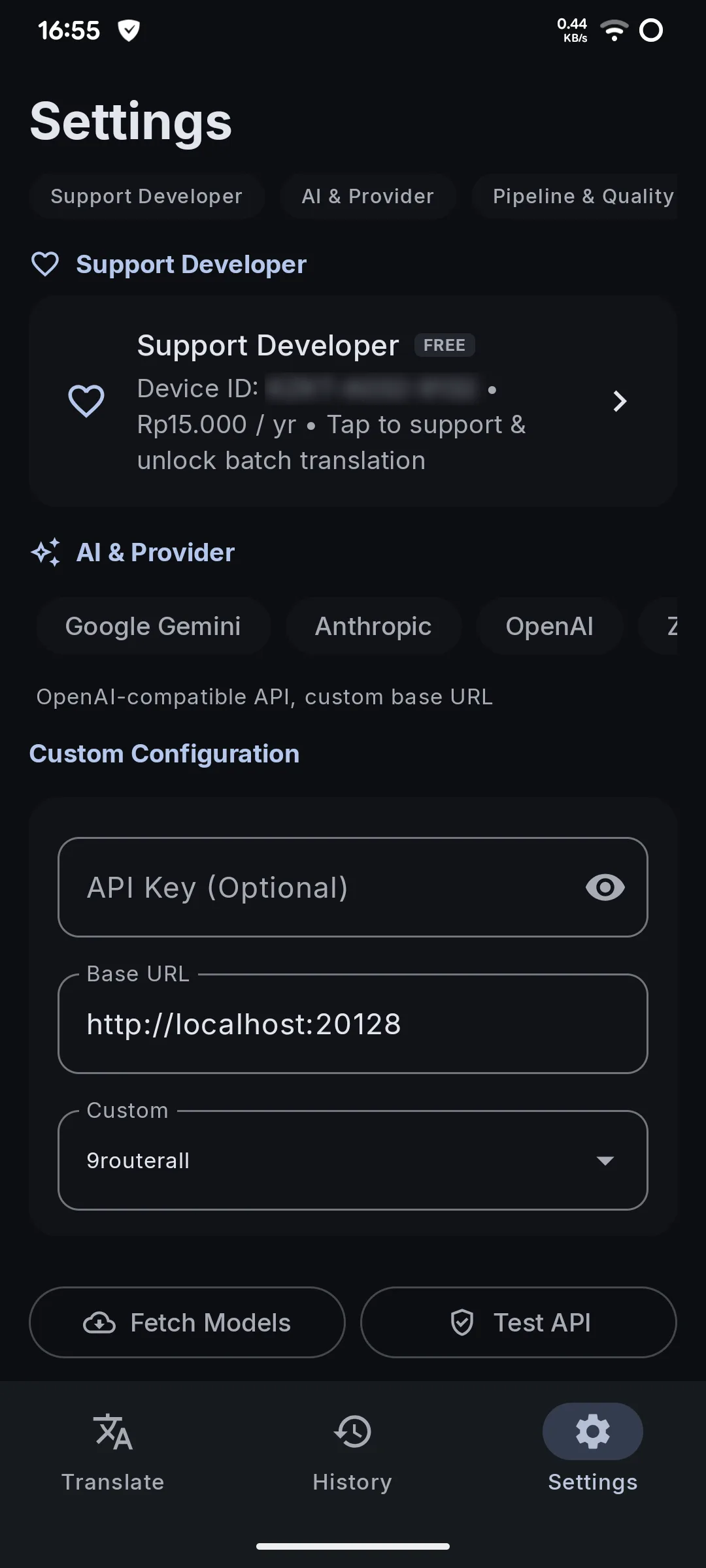
What is included
Offline on the GPU
Translate without internet or an API key with Gemma or Qwen through Google LiteRT, accelerated on Adreno GPUs.
Any cloud AI
Google Gemini, Anthropic, OpenAI, OpenRouter, Zen, OpenCode Go or any OpenAI-compatible server (Ollama, LM Studio, vLLM).
On-device vision
YOLO bubble detection and ML Kit OCR run on the phone. Images are never uploaded.
Clean lettering
Fast OpenCV inpainting, LaMa in Accurate mode, colored and dark bubbles, text wrapped to the bubble's shape.
Touch-up editor
Bubble text and style, font previews, color swatches and eyedropper, pictures you can crop, rotate and fade.
Custom fonts
Import .ttf, .otf or .ttc fonts and use them per bubble or as the default.
Reader and PDF
Single page or webtoon reading, a fast PDF reader, and PDF in, translated PDF out.
Glossary and memory
Keep names and terms the same, and reuse earlier translations of the same lines.
Images stay on your phone
Only the bubble text is sent to the AI provider you pick. With an offline model nothing leaves the phone, and API keys are encrypted with the Android Keystore.